
Email Phishing and Impersonation Attacks: How Cybercriminals Trick Users with Lookalike Domains
Introduction
Email phishing remains one of the most successful cyberattacks worldwide. Despite advances in email security, attackers continue to exploit human trust by impersonating legitimate organizations such as Microsoft, Google, banks, government agencies, and well-known businesses.
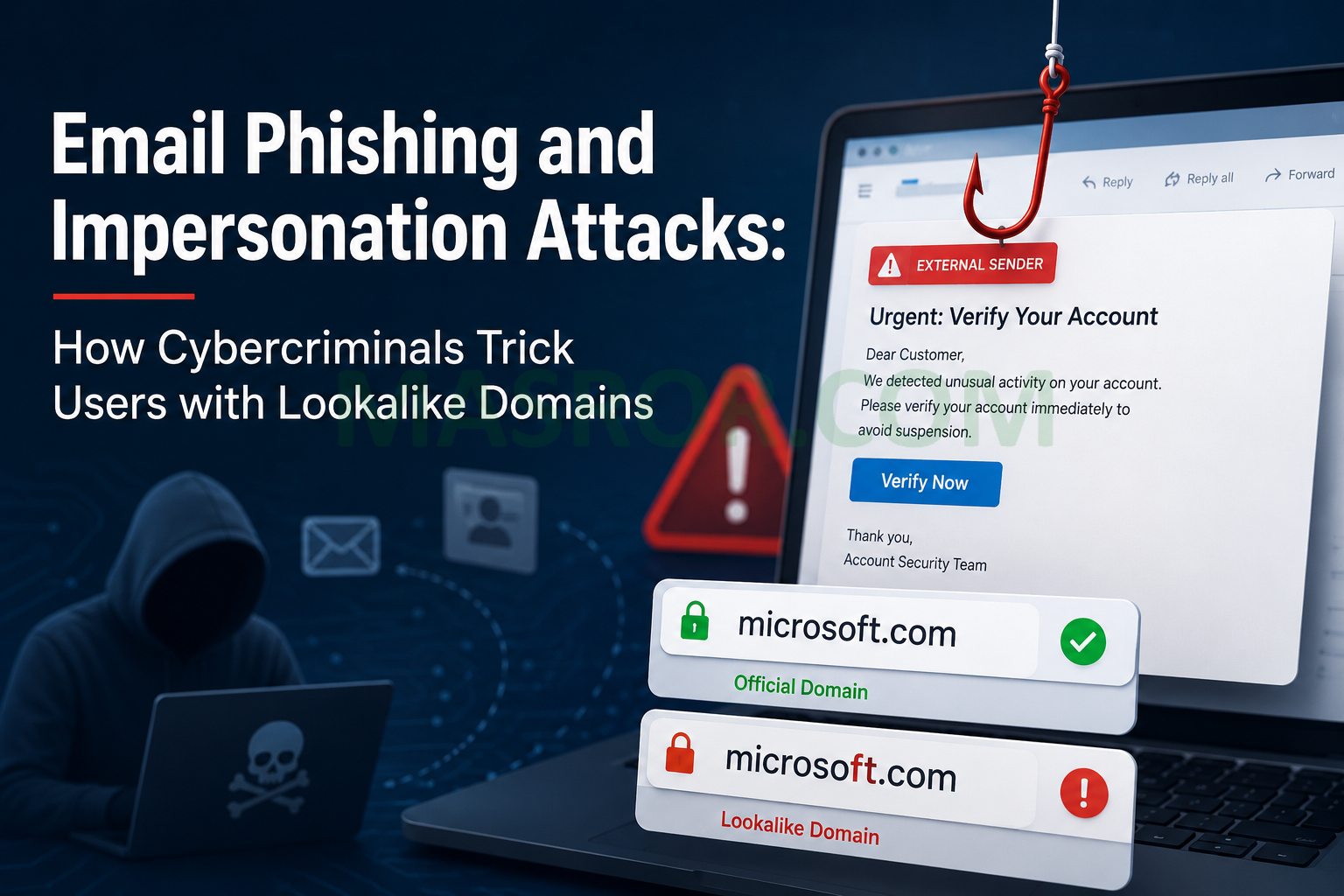
One increasingly common technique is the use of lookalike domains, where attackers register domain names that closely resemble legitimate ones in an attempt to deceive recipients.
What is Email Impersonation?
Email impersonation occurs when an attacker sends emails that appear to come from a trusted source. The goal is usually to:
- Steal usernames and passwords
- Obtain financial information
- Distribute malware
- Trick users into making payments
- Gain unauthorized access to business systems
Many recipients only glance at the sender’s name and fail to inspect the actual email address, making these attacks highly effective.
The “rnicrosoft.com” Trick
A classic example involves replacing the lowercase letter “m” with the letters “r” and “n”.
Legitimate domain:
microsoft.com
Malicious lookalike:
rnicrosoft.com
At first glance, many users perceive “rn” as the letter “m”, especially on mobile devices or in certain fonts.
Attackers may send emails such as:
These addresses can appear legitimate to unsuspecting recipients.
Other Common Lookalike Domain Techniques
Character Substitution
Replacing characters with similar-looking alternatives:
- paypaI.com (capital “I” instead of lowercase “l”)
- arnazon.com (“rn” instead of “m”)
- g00gle.com (zeros instead of letter “o”)
Typographical Errors
Registering domains based on common typing mistakes:
- micorsoft.com
- goolge.com
- facebok.com
International Character Abuse
Attackers may use Unicode characters from other alphabets that visually resemble English letters, creating domains that look nearly identical to legitimate brands.
Real-World Risks
When users trust these fake emails, they may:
- Enter credentials into counterfeit login pages
- Download infected attachments
- Approve fraudulent financial transactions
- Reveal confidential company information
A single successful phishing email can lead to account compromise, data breaches, ransomware infections, and significant financial losses.
How to Protect Yourself
1. Verify the Sender’s Domain
Always examine the complete email address, not just the display name.
For example:
- Legitimate: [email protected]
- Suspicious: [email protected]
2. Hover Before Clicking
Before clicking a link, inspect its destination. If the URL differs from the legitimate organization’s website, do not proceed.
3. Enable Multi-Factor Authentication (MFA)
Even if credentials are stolen, MFA provides an additional layer of protection.
4. Deploy Email Security Solutions
Organizations should implement:
- SPF (Sender Policy Framework)
- DKIM (DomainKeys Identified Mail)
- DMARC (Domain-based Message Authentication, Reporting & Conformance)
- Advanced email filtering and anti-phishing protection
5. Train Employees
Regular security awareness training helps users identify phishing attempts and suspicious emails before they become incidents.
Conclusion
Cybercriminals rely on deception rather than technical sophistication. A domain such as “rnicrosoft.com” may appear harmless, but it can be the first step in a serious security breach. By carefully verifying sender addresses, implementing modern email security controls, and educating users, organizations can significantly reduce their risk of falling victim to phishing and impersonation attacks.
Remember: Always verify before you trust. One letter can make the difference between a legitimate email and a cyberattack.